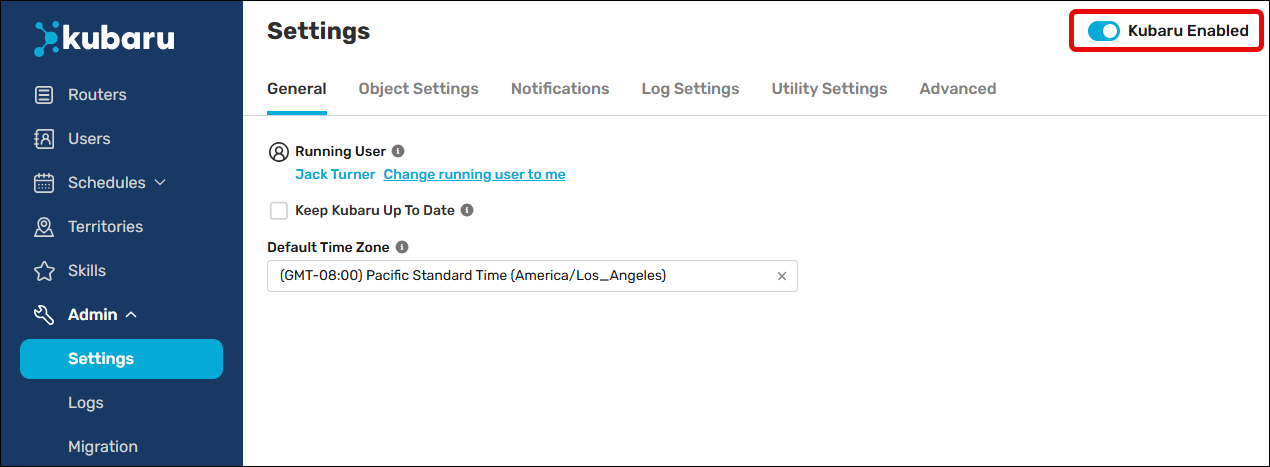
The user that activates Kubaru will automatically be set as the Running Kubaru User. We strongly recommend that the running user be a system administrator to ensure that Kubaru runs properly.
Assignments will not be made until Kubaru has been activated. Ready to start assigning records? Follow these steps to activate Kubaru:
- Select Kubaru from the App Launcher menu.
- Expand the Admin tab in the navigation menu and click Settings.
- Click the Kubaru Enabled toggle.