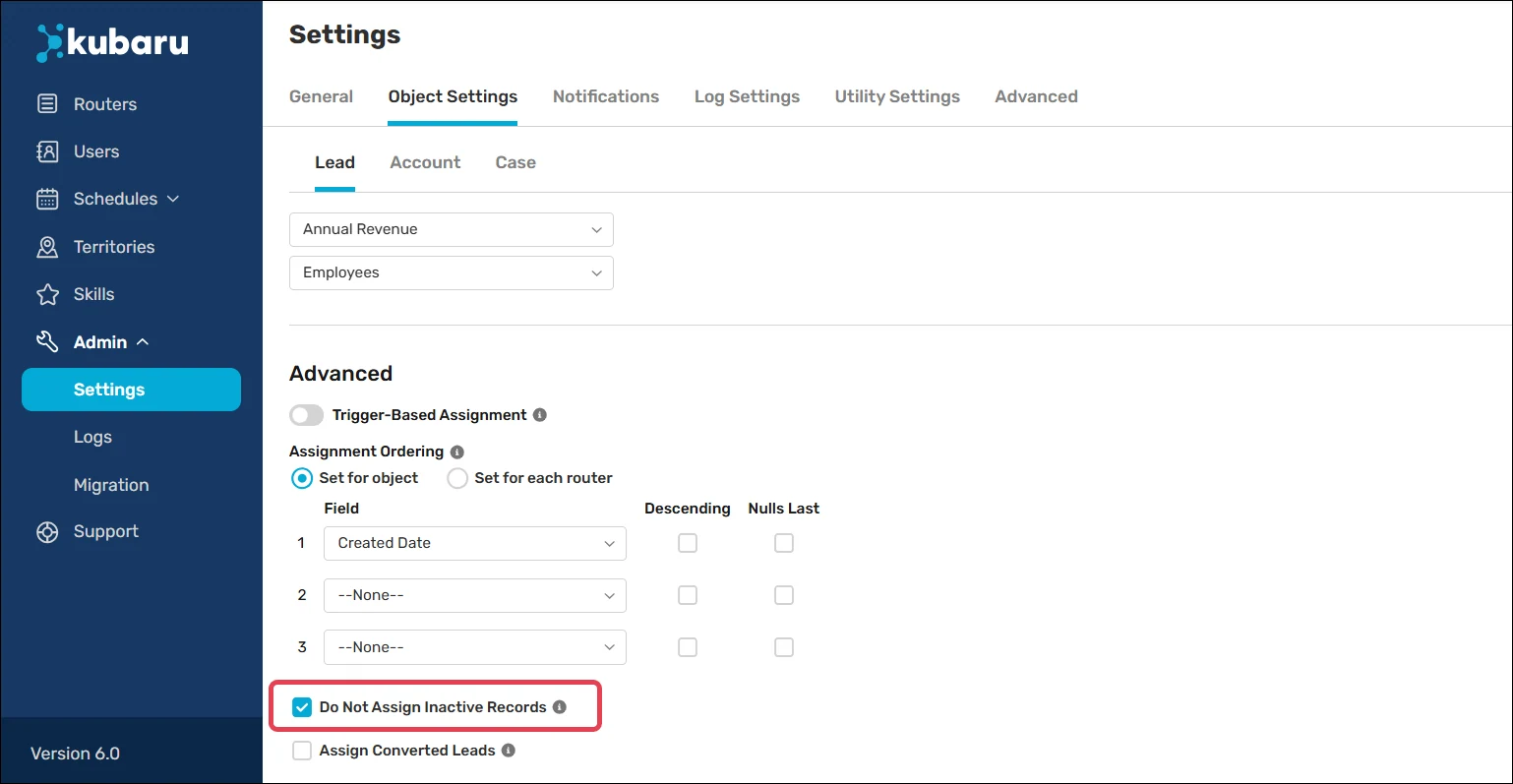
Do Not Assign Inactive Records
Heads up
To enable this feature, you first need to define what records are considered “inactive” by selecting one or more Active Status Values in your Workload Settings.
There are some situations where you may not want Kubaru to assign inactive records. To prevent this, follow these steps to enable Do Not Assign Inactive Records for one or more objects:
Expand the Admin tab in the navigation menu and click Settings.
Click Object Settings.
Select an Object.
Scroll to the Advanced section and check Do Not Assign Inactive Records.
Click Save.