Assignment Preview
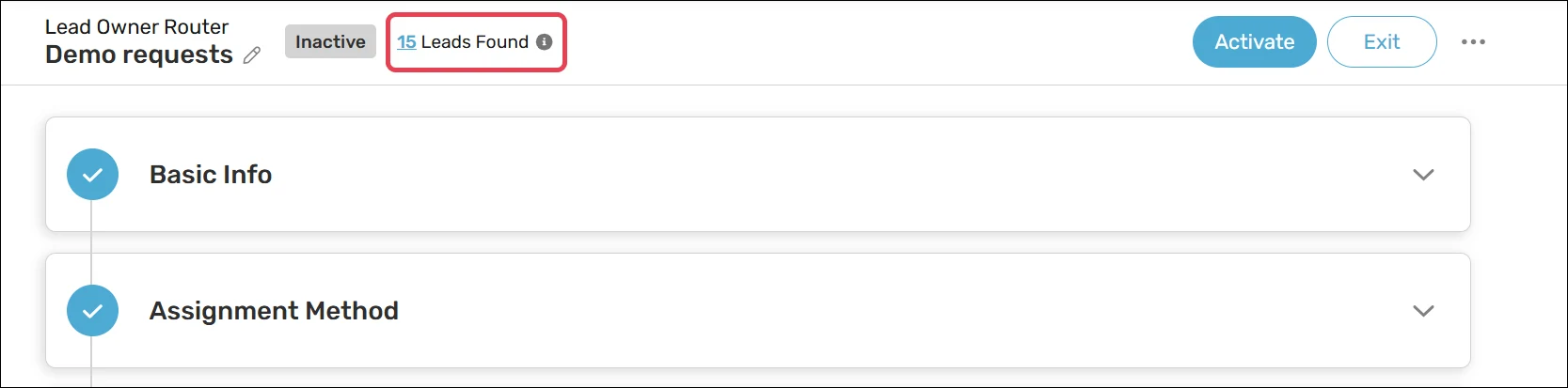
Before activating a router, it’s a good idea to check if any existing records will be assigned. The number of records that qualify for assignment is displayed at the top of the router:
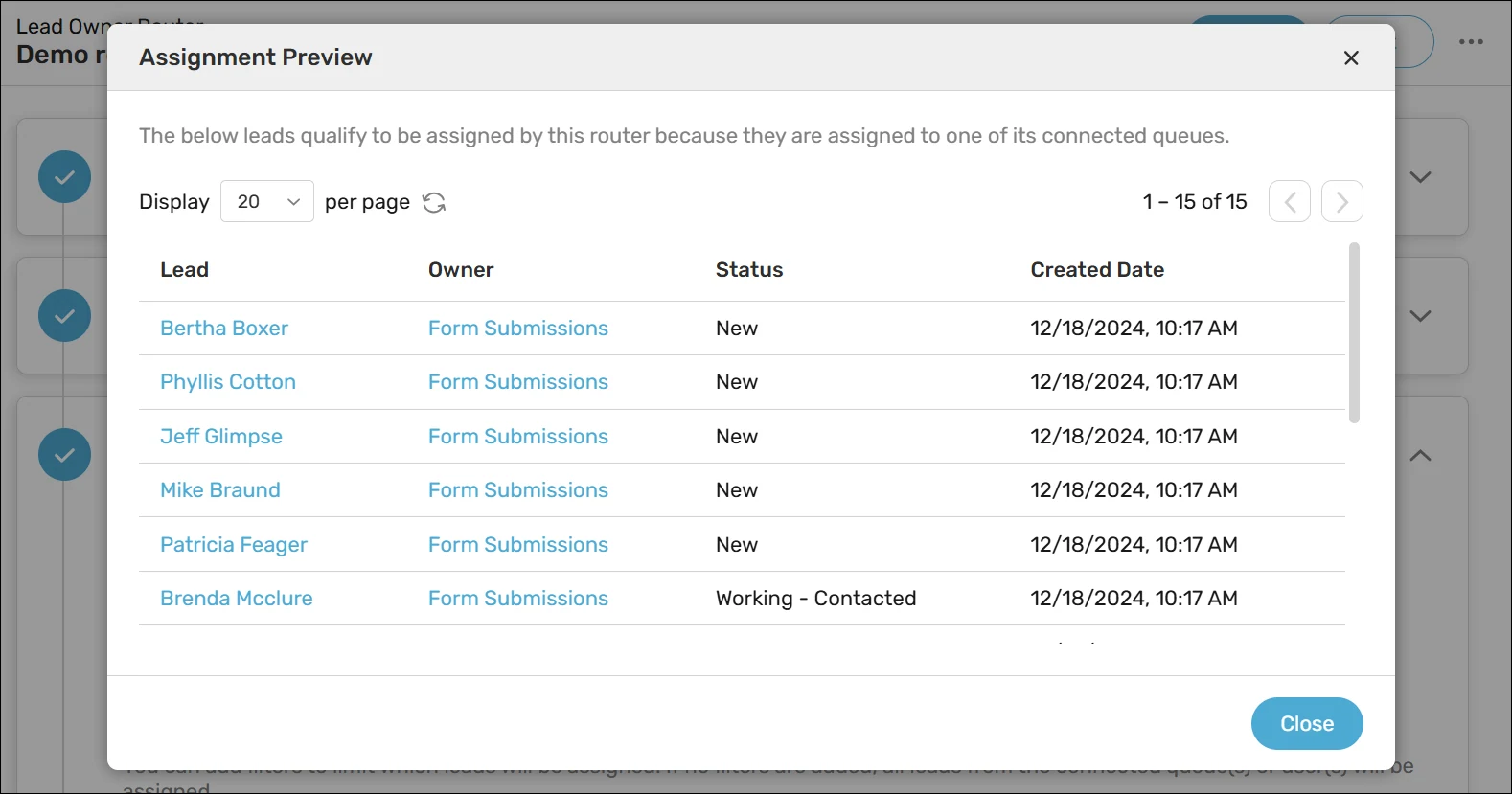
Click on the link to open the Assignment Preview modal, which displays a list of records that qualify for assignment:
Looking to go deeper? The Assignment Test feature lets you preview how a specific record would be assigned without modifying anything. It’s especially useful for troubleshooting or validating your configuration before going live.
Keep in mind
It’s possible in practice that a record meeting the router’s criteria also meets the criteria for another router. In such cases the router with the higher priority will end up assigning it.
For active shark tanks, this will also show you records currently in the shark tank.