Deleting Routers
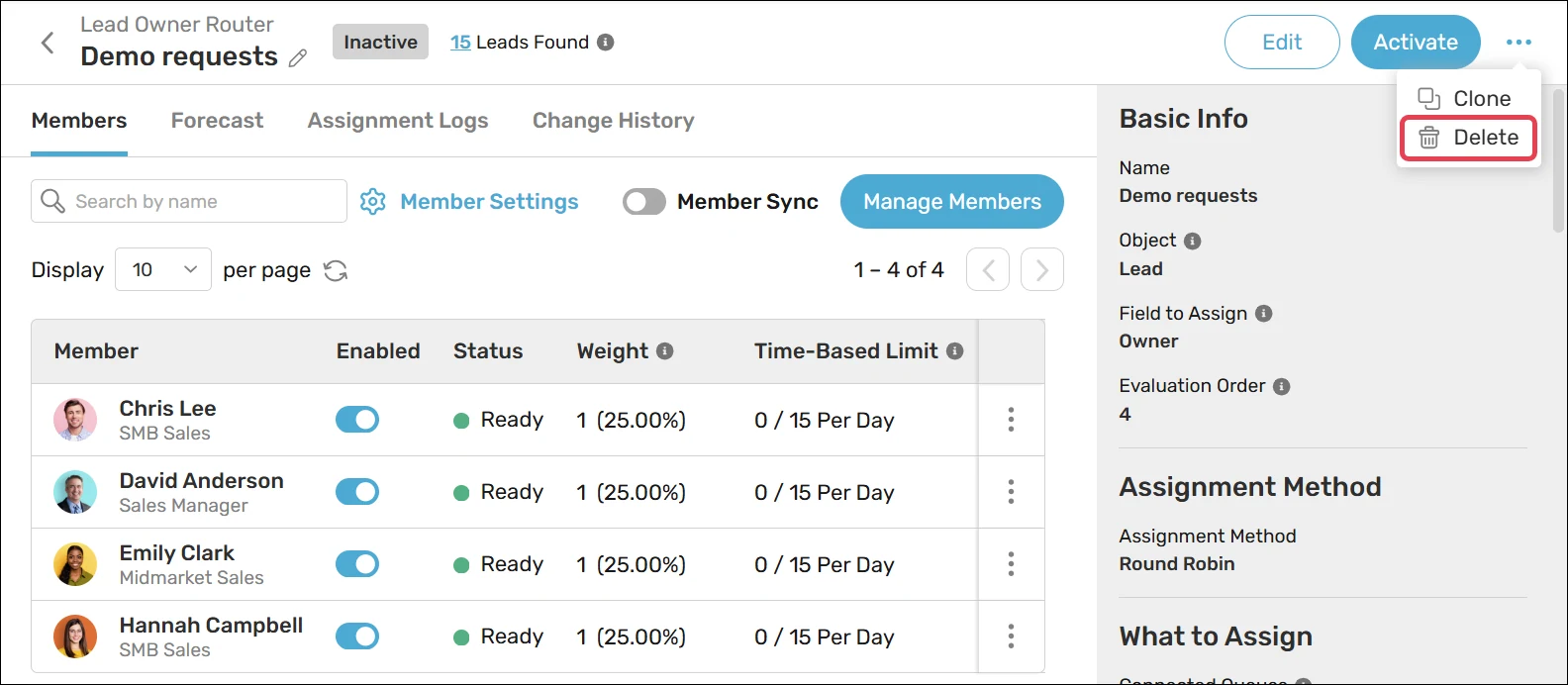
Follow these steps to delete a router:
Navigate to an existing router.
Click the action menu in the top right corner and select Delete.
Click OK.
Keep in mind
You can disable routers instead of deleting them.
You can restore deleted routers from the recycle bin within 15 days. However, assignment logs will not be restored.