Only Admins Can Provision Licenses
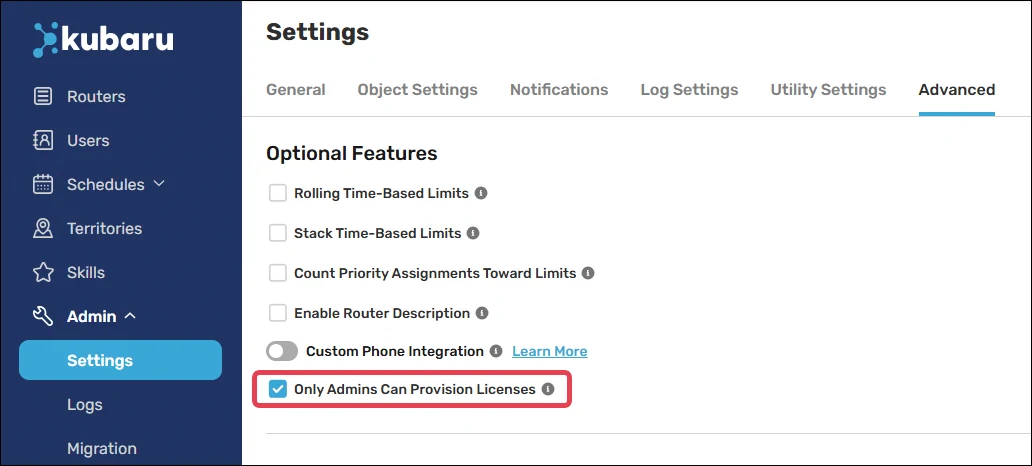
Kubaru automatically assigns unlicensed users a license and the role of “Member” when they’re added to a router. If you don’t want Kubaru to assign licenses to users automatically, you can enable Only Admins Can Provision Licenses. Follow these steps to enable this feature:
Select Kubaru from the App Launcher menu.
Expand the Admin tab in the navigation menu and click Settings.
Click on the Advanced tab.
Check the box for Only Admins Can Provision Licenses.