Workload Evaluation Scope
Available in Version 5.6 and up
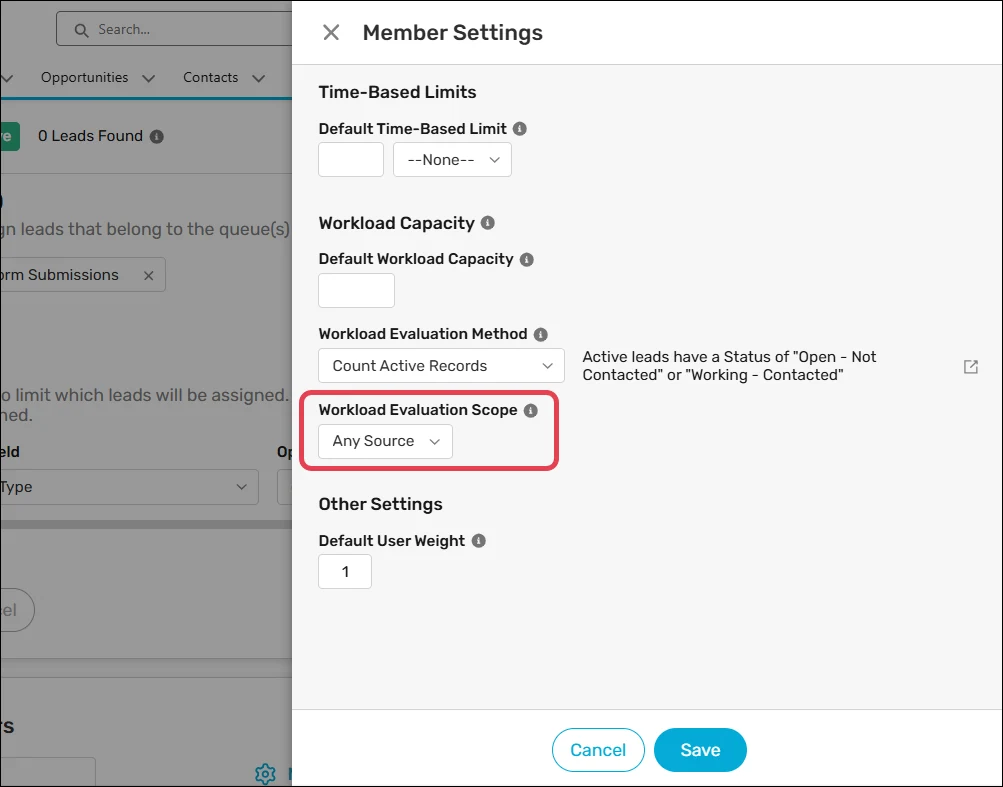
The Workload Evaluation Scope field defines which records should be considered when calculating workload. You can follow these steps to define it on a router:
Create a new router or edit an existing one.
Scroll to the Router Members step and click Member Settings.
Set Workload Evaluation Method to either “Count Active Records” or “Total Active Workload Value”.
Select one of the following options from the Workload Evaluation Scope field:
| SCOPE | DESCRIPTION |
|---|---|
| Any Source | Workload is calculated based on all active records. |
| This Router | Workload is calculated based only on active records assigned by this router. |
Keep in mind
Prior to version 5.6, all workloads were calculated with a scope of Any Source.
The Workload Evaluation Scope field is not available when Workload Evaluation Method is set to “Reference User Field”.